Create XML Sitemaps with A1 Sitemap Generator
This tutorial will explain how to create XML sitemaps using A1 Sitemap Generator. We use default settings such as automated calculation of priority values. If you are interested in some of the advanced options or the command line interface for scheduling and automation, you can always check the help.
Crawl entire website first
Before building the XML sitemap, A1 Sitemap Generator needs to scan your website. If you want certain areas restricted, you can either create custom crawler filters or tick options for obeying no-index, no-follow, robots.txt etc. With most websites, you only need to set root path of your website followed by clicking start scan.
Website analysis and links check
After the site scan is done, you can view the website structure and detailed information for the individual pages. These tools can help you solve various website problems related to crawling. When you are done, click the Create sitemap tab.
Building the XML sitemap
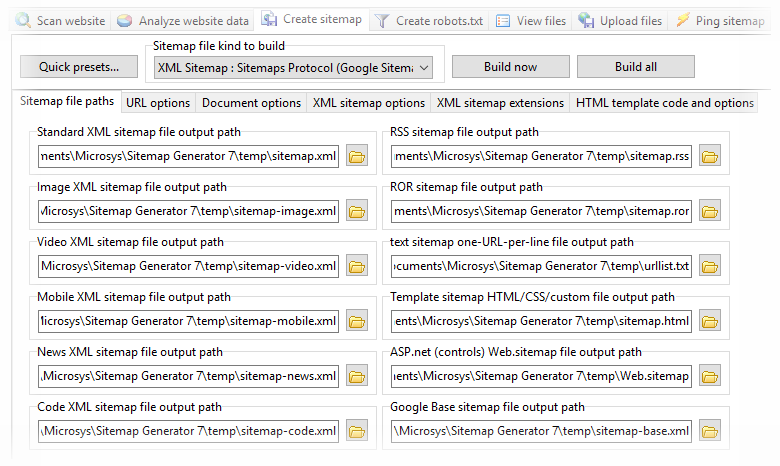
In the dropdown, pick XML Sitemap and click build sitemap. The XML Sitemaps Protocol has some limits to max number of urls per XML sitemap file. However, if exceeded, A1 Sitemap Generator will automatically split all URLs out to multiple XML sitemaps and create an XML sitemap index file.
Final steps for your XML sitemap
At this point, you can choose to upload your XML Sitemap. You can also ping and update it to various search engines such as Google. If you haven’t already, it is also a good idea to create a robots.txt file with a reference to your generated XML sitemap.


